
BETA
This service is provided as a beta version before its official release.

Asset Studio
Hancom
Find the emojis, icons, and images you need and insert them directly into your HWP document.
Contact: 1566-5192
support@hancom.com
FreeEmojisIconsImages
Addons is an AI service platform that works directly within Hancom Office, from meeting notes, academic papers search, proofreading, plagiarism detection, and contract review.
Inside HWP, without switching windows
AI features are integrated into the HWP menu, so you can use it immediately without interrupting your document workflow.
Trusted AI Partners
daglo, tlooto, Copykiller, Editup, allibee, specialized AI services connected directly to HWP.
Choose what you need and keep expanding
Install only the AI you need. New services are continuously being added.

Addons Lineup
Write meeting notes, search academic papers, proofread documents, and review contracts by choosing the addons you need directly inside HWP.
This service is provided as a beta version before its official release.
Asset Studio
Hancom
Find the emojis, icons, and images you need and insert them directly into your HWP document.
Contact: 1566-5192
support@hancom.com
daglo
ActionPower
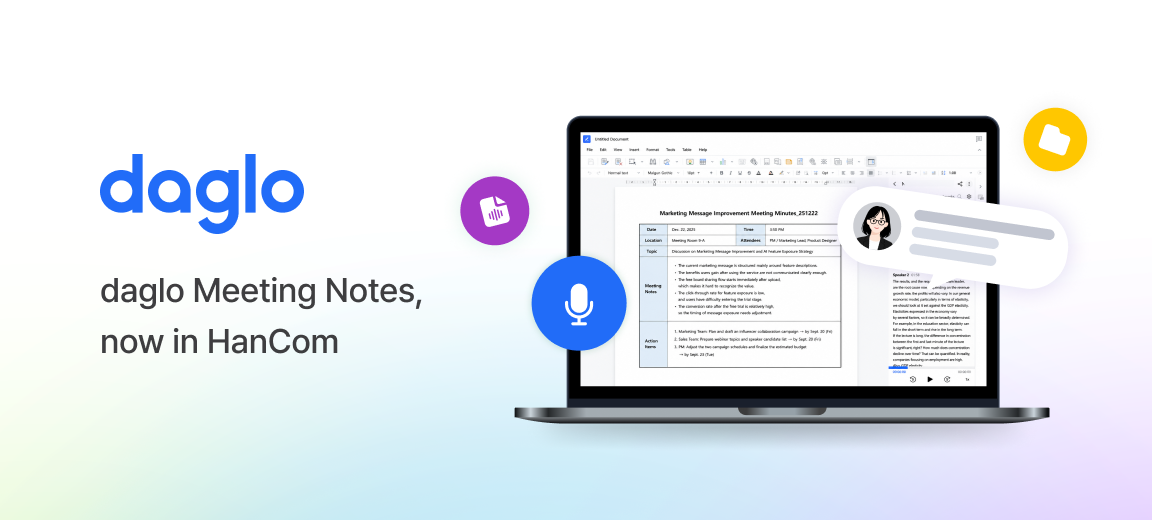
tlooto AI
tlooto
Copykiller
muhayu
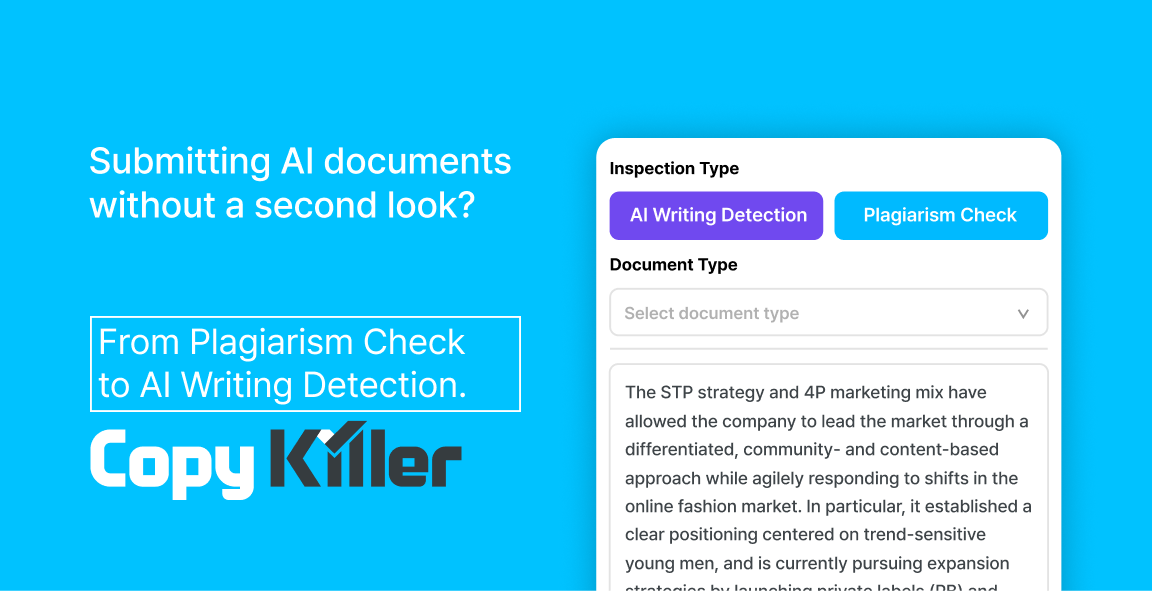_260716-수정.png)
Editup
Upstage

Proofread your document instantly inside HWP.
Contact: editup@gentlepie.com
allibee
BHSN

Guide
If Hancom Office 2024 or later is installed, you can start using Addons right away.
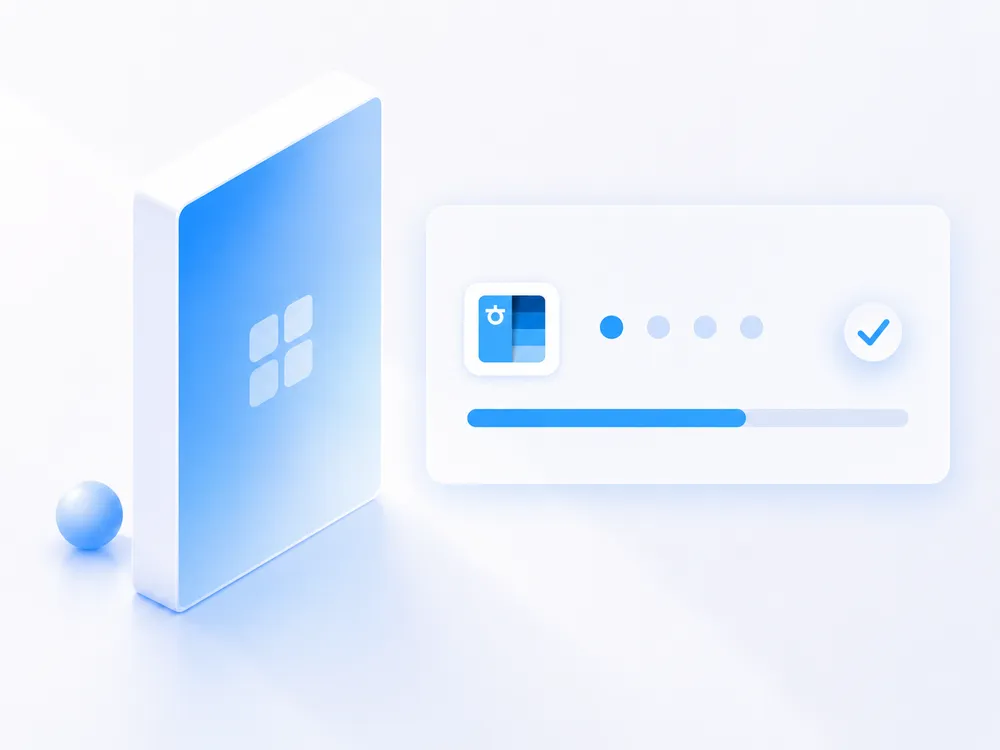
Install Hancom Office
Install or update Hancom Office 2024 HWP to version 13.0.0.3379 or later
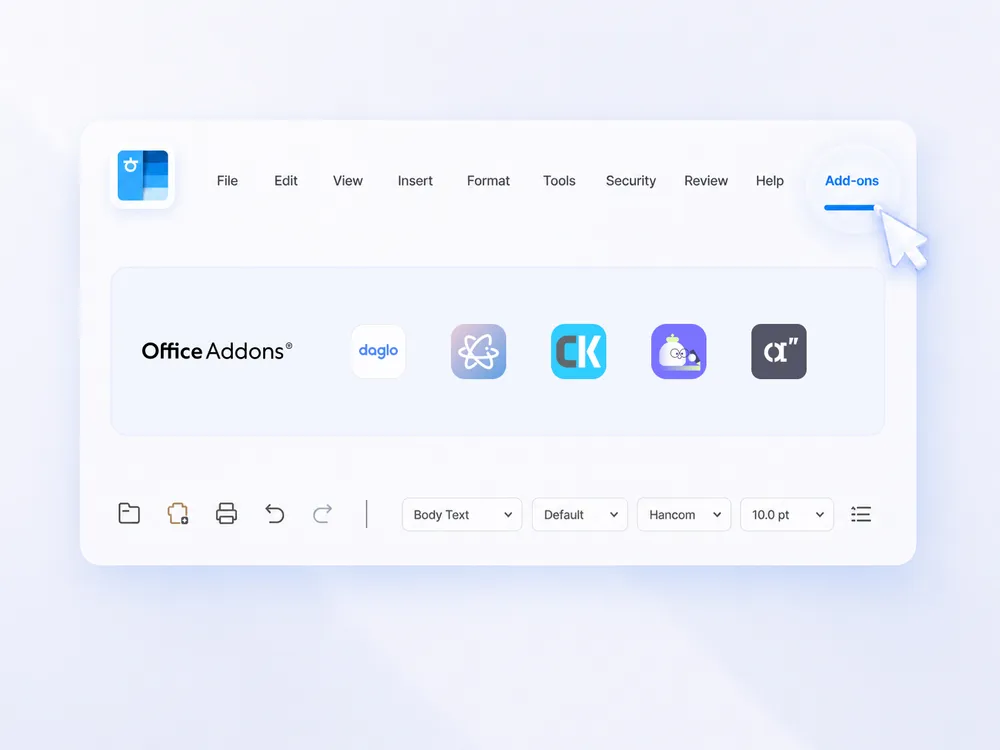
Click Add-on Menu
Select the Addons button from the Add-Ins menu in HWP.

Select and install the addons
Select and install the desired addons. Automatically applied upon restarting HWP.

Ready to use
Feel free to use it anytime while working on your documents.

FAQ
Addons is an extension platform that allows you to add and use various third-party services in Hancom Office HWP.
You can install only the services you need.